
QR Code Menus in 2026: Beyond the Pandemic-Era PDF
Remember the first QR code menu for restaurants? A hastily printed square taped to a table, linking to a blurry PDF someone exported from a word processor in 2020. It did the job back then — no shared menus, no touching the same laminated pages. But six years later, that static PDF link is leaving money on the table. The modern QR code menu has grown up into something far more powerful: a living, breathing sales tool that updates prices in seconds, suggests the perfect add-on, speaks your guests’ language, and turns a curious scan into a paid order.
If your QR code still points to the same PDF you uploaded during the pandemic, this guide is for you. Here’s what a QR code menu can do in 2026 — and how to put each upgrade to work in your restaurant.
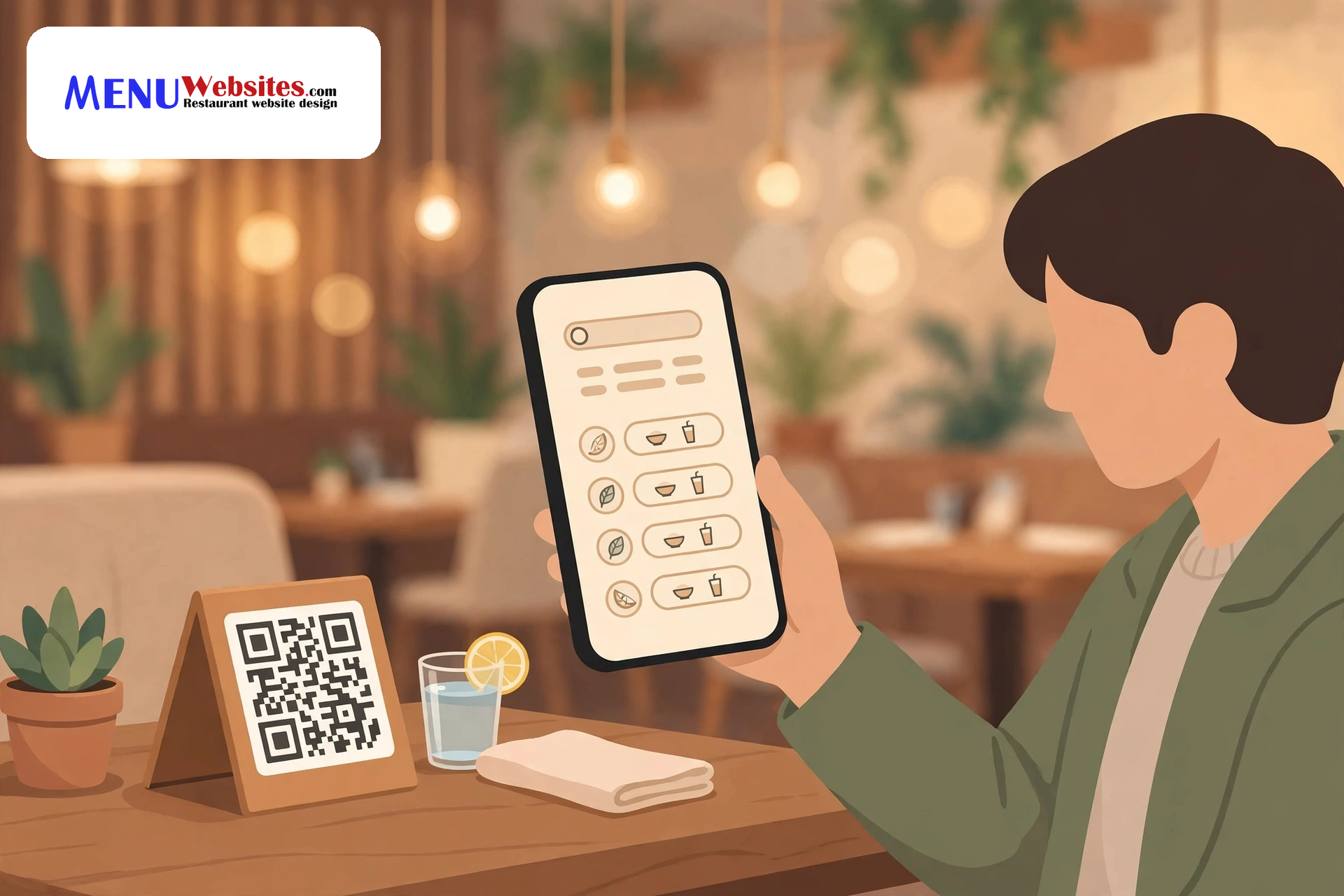
From Emergency Fix to Strategic Tool
The pandemic-era QR menu solved a hygiene problem. Today’s QR menu solves business problems. Instead of linking to a fixed document, a modern QR code points to a dynamic menu page you control from a dashboard. Change a price, add a special, translate the whole menu — it happens instantly, on every table in the building, without reprinting a thing. A printed menu is a snapshot; a dynamic QR menu is a live broadcast of everything your kitchen is offering right now.
Dynamic Pricing Without Reprinting a Single Page
Every restaurant owner knows the pain of a price change on a printed menu: the design fees, the print run, the week of waiting, the old menus that somehow keep circulating. With a dynamic QR menu, a price update takes about thirty seconds and costs nothing.
Time-based pricing that fills slow hours
Your dining room is packed Friday night but half-empty Tuesday afternoon. Dynamic pricing lets you respond: drop appetizer prices 20% during the lull, run a late-night dessert special, or nudge weekend brunch prices up when demand is high. The QR menu is the only format where this is practical — try happy-hour pricing on a laminated menu and you’ll spend your afternoons swapping inserts. Start with one slow daypart and one discounted window, then use your dashboard to see exactly which promotions moved the needle.
Seasonal and market-price flexibility
Seafood costs spike, avocados double overnight, truffle season comes and goes. A dynamic menu lets your prices breathe with your food costs — update market prices each morning or roll out a two-week seasonal menu with zero print budget. Guests always see accurate prices, which ends those awkward “actually, that’s last month’s price” conversations at the register.
Built-In Upsells That Raise Your Average Ticket
Here’s where the QR menu outperforms every format before it. A printed menu shows every item with equal weight. A smart digital menu guides the eye — and the appetite — exactly where you want it:
- Pairing prompts: under each entree, a small “Pairs well with” line suggesting a specific appetizer, side, or drink — your best server’s recommendation, on every table simultaneously.
- One-tap add-ons: a “Make it a combo” or “Add avocado for $2” button right on the item page. When the add-on is one tap instead of a flag-down-the-server conversation, attachment rates climb.
- Visual hierarchy: high-margin dishes get the hero photo slot and top placement; low-margin staples stay available but don’t lead. You’re engineering the menu the way grocery stores engineer shelves.
- Timed dessert prompts: thirty minutes after the table’s first scan, the menu surfaces a dessert banner. It feels like thoughtful service, not a sales pitch.
The key is restraint. Three well-placed suggestions beat a page screaming with banners. Treat the upsell like a good server would: one recommendation per course.
One Scan, Every Language
If your dining room hosts tourists or a multilingual neighborhood, you know the translation problem: printing menus in three languages triples print costs and guarantees one version is out of date. A QR code menu sidesteps it entirely — the guest’s phone knows their language, and a dynamic menu serves the right version automatically.
This isn’t just hospitality — it’s revenue. A guest who can actually read your menu orders more confidently and is far more likely to try the signature dish instead of defaulting to the one item they recognize. If you’ve ever watched a table photograph your menu to run it through a translation app, you’ve watched money hesitate.
Start with your top two guest languages beyond English, keep dish names appetizing rather than literal, and have a native speaker review the final text. Machine translation gets you 90% there; that last 10% is the difference between “grilled chicken” and something nobody wants to order.
From Scan to Order in One Tap
The biggest leap: the QR menu no longer has to end at “here’s what we serve.” Connect it to your online food ordering system, and the menu becomes the checkout. Guests scan, browse, customize, pay — no app download, no account creation, no waiting for a server during the rush.
For quick-service spots and cafes, it’s the whole model: scan-to-pay tables turn faster and labor stretches further. For full-service restaurants, it’s a pressure valve — the bar crowd orders another round without flagging anyone down. For catering and large parties, a QR link in the confirmation email lets guests pre-order before they arrive, smoothing your kitchen’s busiest nights.
The trust factor is worth noting too. Guests order directly from you, not through a marketplace that takes a commission and keeps the customer data. Every scan-to-order builds your own customer list — names, emails, order histories — the raw material for your marketing.
QR Menus Plus Digital Menu Boards: The Complete Display System
Your QR menu handles the table. But what about the guest walking in the door, or the line at the counter? That’s where digital menu boards and signage complete the system. The two formats share the same menu data, so a price change updates everywhere at once — the board above the counter, the QR code on table twelve, and your website’s ordering page.
The division of labor is natural: boards do the broadcasting (today’s specials, the lunch-rush hero items), while QR menus do the personal selling (the full menu, the upsells, the ordering). Together they replace three workflows — print design, board updates, and PDF exports — with one dashboard.
Getting QR Menus Right: Placement and Design Tips
Technology only works if guests actually scan. Field-tested rules:
- Make the code impossible to miss but easy to reach. Table tents at eye level beat tiny stickers on the table edge. One code per two guests is the sweet spot — nobody wants to pass a phone around the table.
- Tell people what happens when they scan. “Scan to see the menu & order” outperforms a bare QR code by a wide margin.
- Keep the landing page fast and thumb-friendly. More than three seconds to load, or any pinching and zooming, loses the table. Big type, big photos, big tap targets.
- Always have a backup. Keep a few printed menus for dead phones, older guests, and wifi outages. Accessibility isn’t optional — it’s hospitality.
- Refresh the code’s destination, not the code itself. Use a dynamic QR code that points to a URL you control, so the printed tents never need reprinting when your menu platform or domain changes.
If you’re starting from scratch, a dedicated QR code menu service handles the design, hosting, and updates for you — which beats the DIY route of linking a code to a PDF and hoping for the best.
Measuring What Your QR Menu Is Doing for You
A printed menu tells you nothing. A QR menu tells you everything: scans per table, most-viewed dishes, drop-off points, scan spikes by hour.
Check three numbers weekly. Scan rate (scans per cover) tells you whether placement and signage are working — under 40% usually means the code is hard to find. View-to-order rate shows whether the menu converts browsers into buyers. And average items per scan session reveals whether your upsells are landing. When a dish gets views but no orders, that’s a pricing or description problem you can fix the same day — try that with a laminated menu.
The pandemic gave restaurants the QR code out of necessity. What comes next is choice: keep pointing that code at a static PDF, or turn it into the hardest-working member of your front-of-house team — one that updates prices in seconds, sells in every language, and hands you the data to get sharper every week.
Related Resources
- QR Code Menu Service — Professionally designed, dynamic QR menus with instant updates, multilingual support, and built-in ordering.
- Digital Menu Boards & Signage — Eye-catching in-store displays that sync with your QR menu for one unified, always-current menu system.
- Online Food Ordering System — Turn menu scans into direct orders with 0% commission ordering that keeps your customer data in-house.